
Arabic Keyboard
Comparison of the Most Popular Arabic Keyboards: Which Tool to Choose?
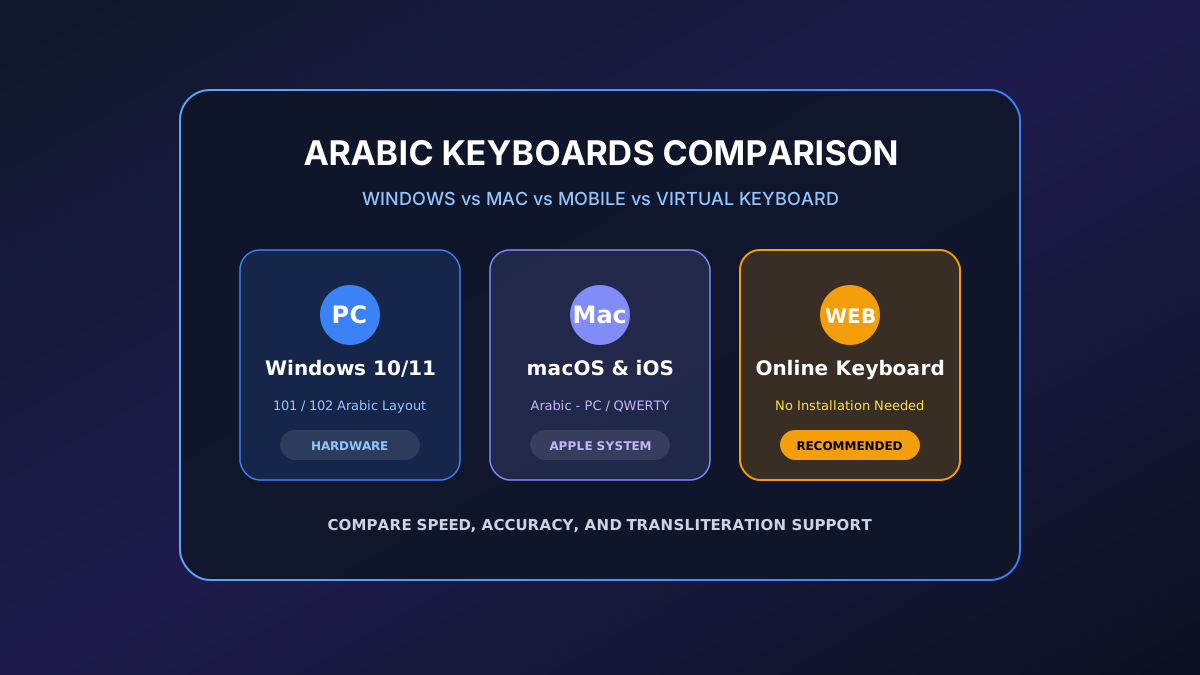
As digital exchanges globalize, the need to write fluently in different languages becomes a daily necessity. For the Arabic language, written from right to left (RTL) and featuring its own alphabet, the choice of typing system is crucial. Today, there is a plethora of tools available: traditional physical keyboards, smart mobile apps, or virtual online keyboards with voice typing.
Which tool is the fastest? Which solution is best suited for an unconfigured Western computer? This guide offers a comparison of the most popular Arabic keyboards to help you choose the option perfectly suited to your professional or personal needs.
1. Physical Keyboards and Standard Layouts (Keyboard 101 vs. Mac)
If you spend several hours a day writing documents, emails, or translating texts in Arabic, the physical keyboard remains the gold standard for typing speed. Two main layouts stand out:
Standard Arabic Layout (101 Keys)
This is the absolute standard on Windows and Linux. Used by the majority of typists in the Arabic world, it places letters ergonomically based on their frequency of appearance in the literary language.
- Maximum speed: Ideal for automating 10-finger muscle memory.
- Stability: No dependence on an internet connection.
- Learning curve: Requires an adaptation period if your physical keys only display the Latin alphabet (requiring the use of stickers).
Arabic Layout on Mac
Apple offers its own native layout. Although very close to the 101 standard, macOS subtly modifies the location of certain special characters and diacritical marks (short vowels), which can confuse users accustomed to Windows.
2. Virtual Online Arabic Keyboards (Web-based)
For occasional needs, travelers, or people working on a shared computer, on-screen virtual keyboard websites are extremely popular. Find detailed answers in our complete FAQ on the Arabic keyboard. Platforms like keyboardinarabic.com or similar tools offer highly versatile clickable interfaces.
Focus on Modern Features of Web Tools:
- Phonetic transliteration: Allows typing in Latin characters (e.g., "marhaba") to instantly get the word in the Arabic alphabet (مرحبا). A perfect option for beginners.
- Voice typing (Speech-to-Text): Integrated via advanced voice recognition technologies (like Google Speech API). You speak into your microphone in Modern Standard Arabic or a dialect, and the site transcribes your speech into written text in real time.
- Zero installation: Accessible from any web browser in the world.
- Hybrid typing: Ability to alternate between mouse clicks, transliteration, and voice.
- Network dependence: Unusable without a stable internet connection.
- Limited manual speed: Clicking each letter with the mouse remains laborious for long paragraphs.
3. Mobile Keyboards and Typing Applications (iOS & Android)
On smartphones and tablets, touchscreen virtual keyboards have benefited from the integration of artificial intelligence to offer an ultra-fast typing experience.
Gboard (Google Keyboard)
Available on Android and iOS, Gboard is the undisputed king of mobile typing. Its handling of the Arabic language is particularly impressive.
- Smart prediction: Suggests the next word with high accuracy, including for certain dialects (Egyptian, Maghrebi).
- Glide Typing: Allows writing by sliding your finger from letter to letter without lifting it from the screen.
SwiftKey (Microsoft)
The main competitor to Gboard stands out for its high level of customization and excellent cloud management to memorize your personalized vocabulary and common Arabic expressions.
Comparison Table of Arabic Typing Solutions
Here is a comparative summary to visualize the strengths and weaknesses of each tool category:
| Keyboard Type | Popular Examples | Execution Speed | Ease of Use | Key Features |
|---|---|---|---|---|
| Physical (Standard 101) | Native Windows keyboard, USB keyboard | ⭐⭐⭐⭐⭐ (Excellent) | ⭐⭐⭐ (Average at first) | Professional typing, system shortcuts, offline. |
| Virtual online (Web) | keyboardinarabic.com, ClavierArabe56 | ⭐⭐ (Slow with mouse) | ⭐⭐⭐⭐⭐ (Very easy) | Integrated voice typing, automatic transliteration, portable. |
| Mobile (App) | Gboard, Microsoft SwiftKey | ⭐⭐⭐⭐ (Fast) | ⭐⭐⭐⭐⭐ (Intuitive) | AI autocorrection, glide typing, dialectal predictions. |
Frequently Asked Questions (FAQ)
What is the fastest Arabic keyboard for a beginner?
For a complete beginner who does not yet know the location of the Arabic keys, virtual keyboards with a transliteration option (like phonetic Arabic on Google or web tools) are the fastest. They allow writing in Arabic using familiar Latin letters.
Is voice typing reliable on online Arabic keyboards?
Yes, it is extremely effective today if you use a modern browser like Google Chrome. Voice recognition algorithms manage to accurately transcribe Modern Standard Arabic (Fusha) as well as the main regional dialects, provided you speak clearly and avoid background noise.
Can I install Gboard on my iPhone to type in Arabic?
Absolutely. Gboard is downloadable for free from Apple's App Store. It often offers better text predictions and more versatile voice typing in Arabic than the native iOS keyboard.
Recommended Arabic Tools & Resources
Essential online tools to enhance your Arabic typing, translation, and learning experience:
- Arabic Keyboard Online – type Arabic characters easily with our smart virtual keyboard.
- Arabic Translator Online – translate Arabic words, sentences, and texts instantly.
- Arabic Text Converter – fix Arabic script shaping and direction for design and editing tools.
Conclusion: Which Tool to Choose in the End?
In conclusion of our comparison of the most popular Arabic keyboards, it is clear that there is no single solution, but rather a tool adapted to each situation. The professional translator or writer will invariably turn to a standard physical keyboard equipped with stickers to maximize their productivity (discover how to write in Arabic on a computer without an Arabic keyboard). The mobile or occasional user will find what they need on a free online virtual keyboard utilizing voice dictation. Finally, for everyday instant communication, the Gboard mobile app remains undisputed thanks to its smart autocorrection.
To start typing and practicing right away, try our free Arabic keyboard online.